iPhone extras: widget, Apple Watch and Apple Health
The iPhone app has a few things the browser cannot do: a streak widget for your Home Screen and Lock Screen, rest timer alerts that reach your Lock Screen, Dynamic Island and Apple Watch, and saving your workouts to Apple Health. Make sure you have the latest version of Liftspan from the App Store.
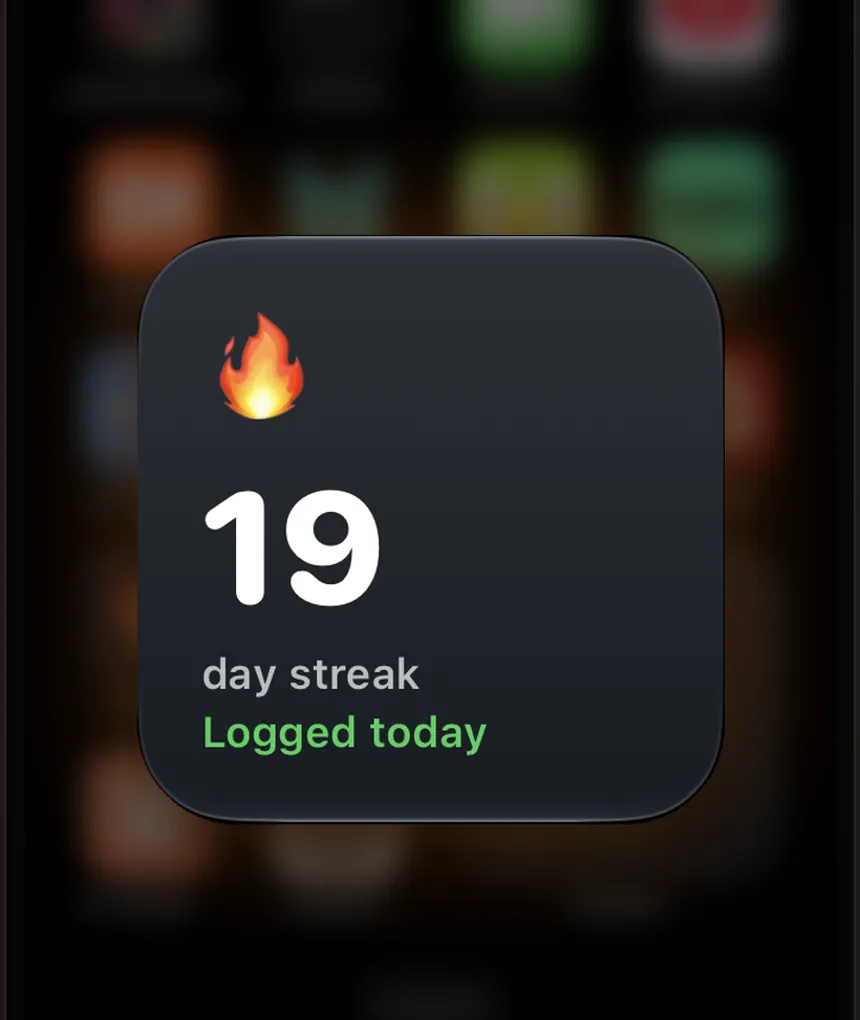
The streak widget FREE
- Touch and hold an empty spot on your Home Screen until the apps jiggle.
- Tap the + button (on some versions of iOS, tap Edit first, then Add Widget).
- Search for Liftspan, choose the Streak widget and add it.
It shows your daily flame, and says Logged today once you have trained or logged an activity. You can add it to your Lock Screen too: touch and hold the Lock Screen, tap Customize, then add Liftspan in the widgets area. The widget is free for everyone.
Rest timer alerts, Dynamic Island and Apple Watch PRO
The rest timer always runs on the workout screen. Pro members can also have it follow them out of the app:
- Tap 🏅 You, then the ⚙️ gear at the top for Settings.
- In the Reminders card, set Rest-timer alert to On.
With it on, each rest shows as a live countdown on your Lock Screen and in the Dynamic Island (on iPhones that have one), and you get an alert when your rest is over if you have switched to another app. If you wear an Apple Watch, the same countdown appears in the watch's Smart Stack, so you can see when your next set is up without reaching for your phone. There is no separate Watch app to install.
Apple Health PRO
For Pro members, every finished workout is saved to Apple Health: the type of workout, how long it took and an estimate of the calories burned. Liftspan only writes to Health. It never reads anything from it.
Allow Liftspan when iPhone asks for permission to save workouts to Health. To stop it later, change Liftspan's access in the Health app or in your iPhone Settings. A workout is only saved once it counts as a session, which means you did at least half of the planned sets.
Common questions
I can't find the Liftspan widget.
Update Liftspan from the App Store and open the app once, then try adding the widget again. The widget arrived in Liftspan 1.0.5.
Do I need an Apple Watch app?
No. The rest countdown appears in the Apple Watch Smart Stack automatically when Rest-timer alert is on and your watch is paired with your iPhone.
Does Liftspan read my health data?
No. It only writes finished workouts to Apple Health, and only for Pro members. It never reads your steps, heart rate or anything else.